3.4.3.4. RGB composite (complete interface)
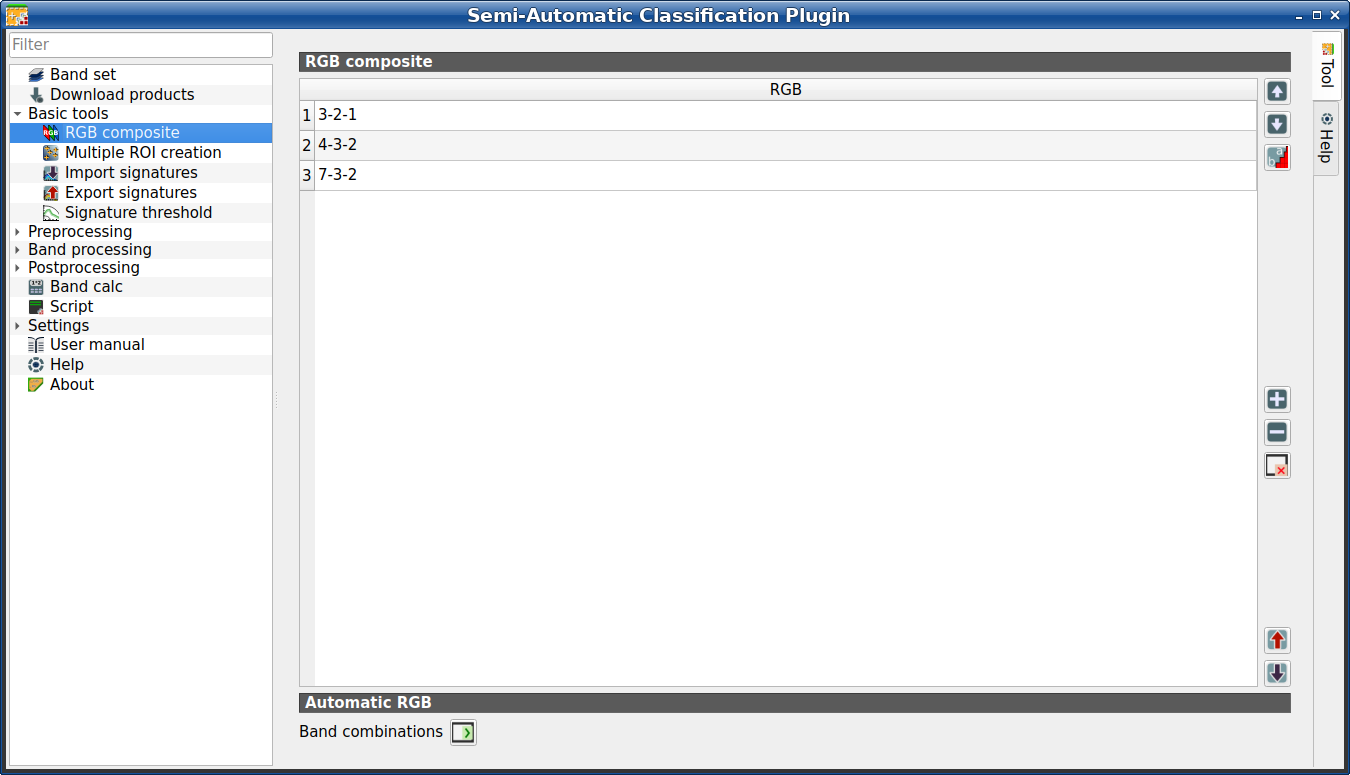
 RGB composite
This tab allows for managing the RGB Color Composite used in the list RGB= of the Image control. It is loaded only if the Simplified interface is not enabled.
3.4.3.4.1. RGB composite
The table RGB composite contains the field RGB that allows for entering an RGB combination.
Tool symbol and name |
Description |
|---|---|
|
move highlighted RGB combination upward |
|
move highlighted RGB combination downward |
|
automatically sort RGB combinations by name |
|
add a row to the table |
|
remove highlighted rows from the table |
|
clear all RGB combinations from RGB list |
|
export the RGB list to a file (i.e. |
|
import a previously saved RGB list from file
(i.e. |


3.4.3.4.2. Automatic RGB
Tool symbol and name |
Description |
|---|---|
Band combinations |
add the combinations of all bands (i.e. permutation) to the RGB composite (e.g. 1-2-3, 1-2-4, …, 3-2-1) |
