3. The Interface of SCP
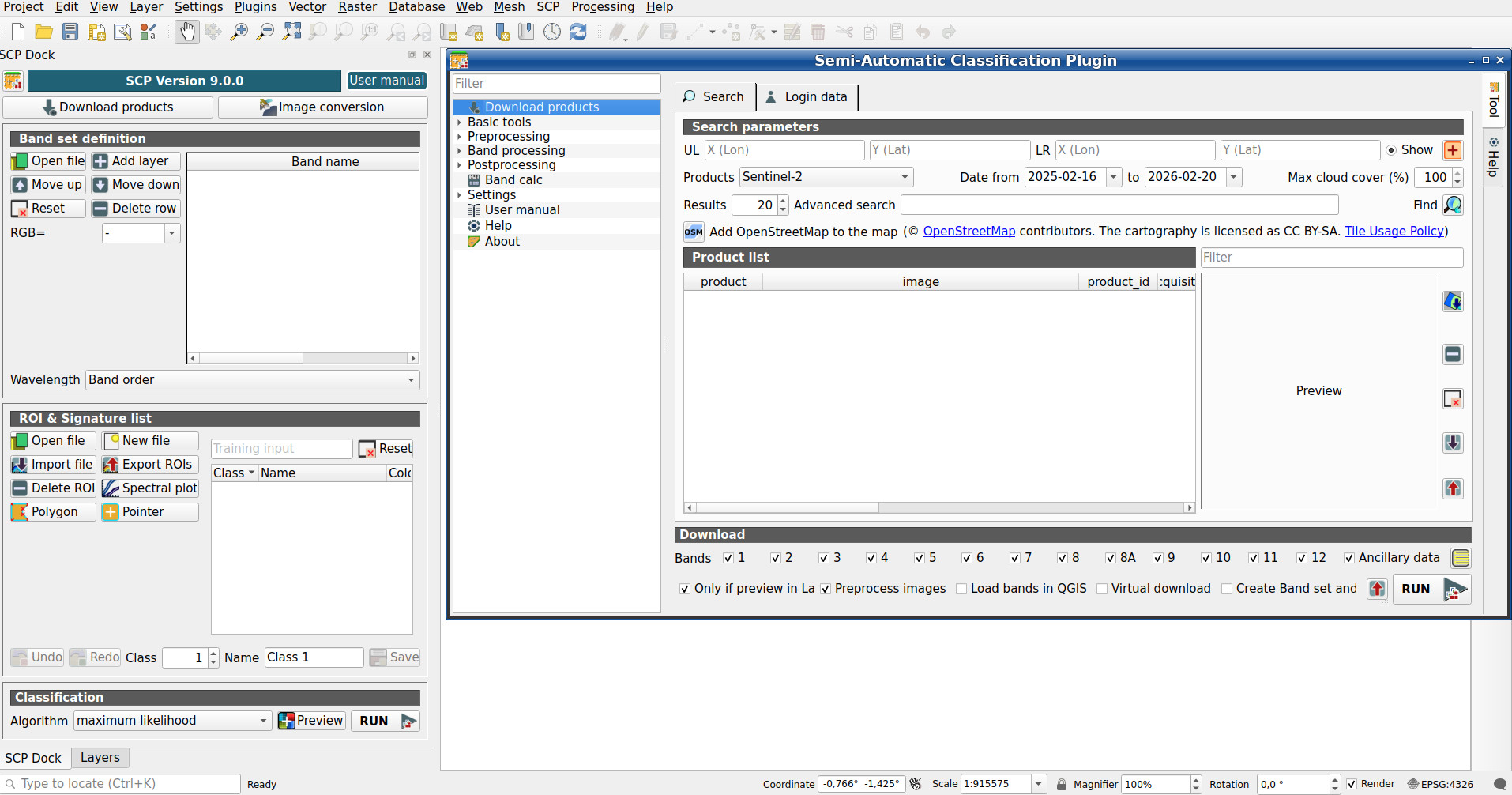
The SCP interface is composed of several parts that are described in detail in the following paragraphs. A Simplified interface is loaded after first installation of the plugin. The Complete interface can be loaded from the settings in the SCP menu.
The functions described in the following paragraphs use these conventions:
|
Input date |
|
Input text |
|
List |
|
Input number |
|
Optional |
|
Configuration stored in the active project of QGIS |
|
Configuration stored in QGIS registry |
|
Slider |
|
Table |


