2.4. Cross-platform installation using Conda
2.4.1. QGIS download and installation with the dependencies
QGIS and the dependencies can be installed in a Conda environment using Mamba, which is a cross-platform package manager (if you don’t know Mamba please read https://mamba.readthedocs.io).
First, install Miniforge to create a Conda environment. Once installed, open the terminal and run the following commands to create a new environment:
$ mamba create -c conda-forge --name environment python=3.10
Proceed ([y]/n)? y
$ mamba activate environment
Now install QGIS and the dependencies (it could take some time):
$ mamba install -c conda-forge qgis gdal scikit-learn scipy torch torchvision
Now, QGIS is installed. To launch it run in the terminal:
$ mamba activate environment
$ qgis
2.4.2. Semi-Automatic Classification Plugin installation
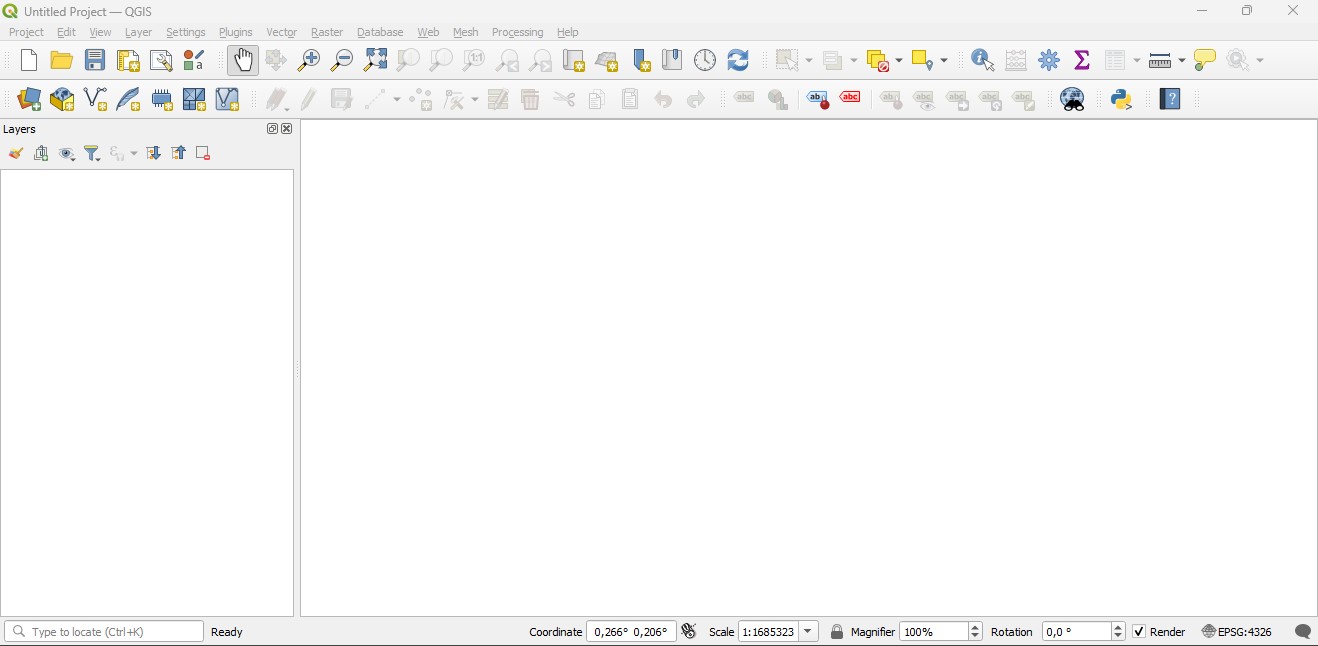
Run QGIS;
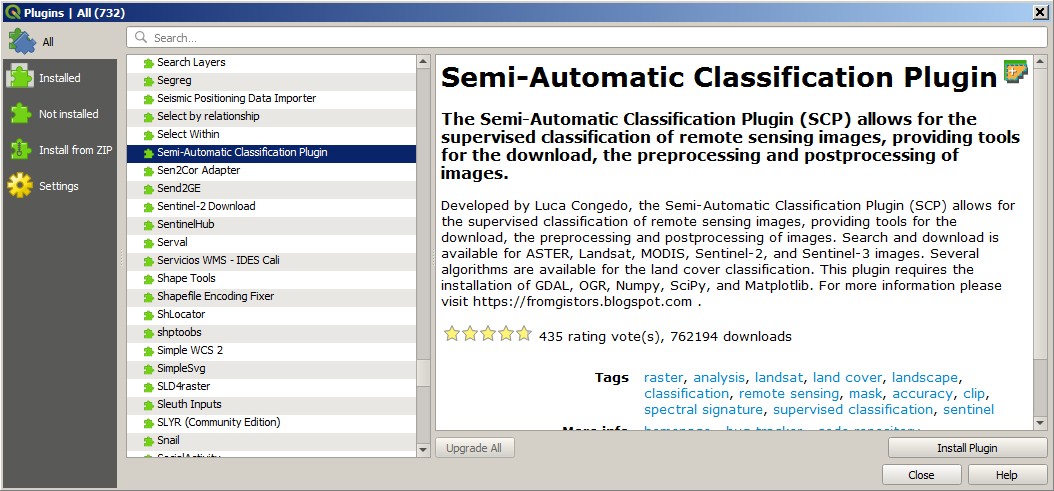
From the main menu, select
Plugins>Manage and Install Plugins;

From the menu
All, select the Semi-Automatic Classification Plugin and click the buttonInstall plugin;
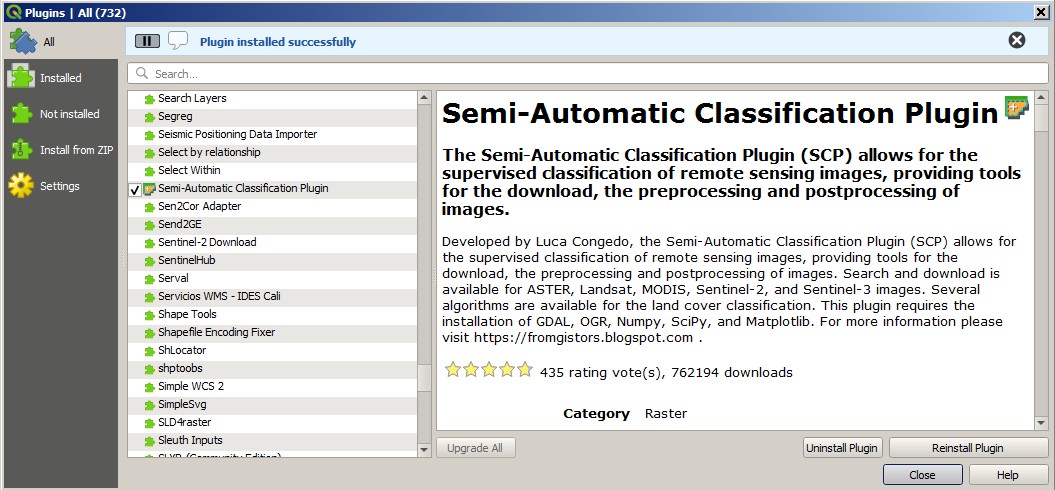
The SCP should be automatically activated; however, be sure that the Semi-Automatic Classification Plugin is checked in the menu
Installed(the restart of QGIS could be necessary to complete the SCP installation);
2.4.3. Configuration of the plugin
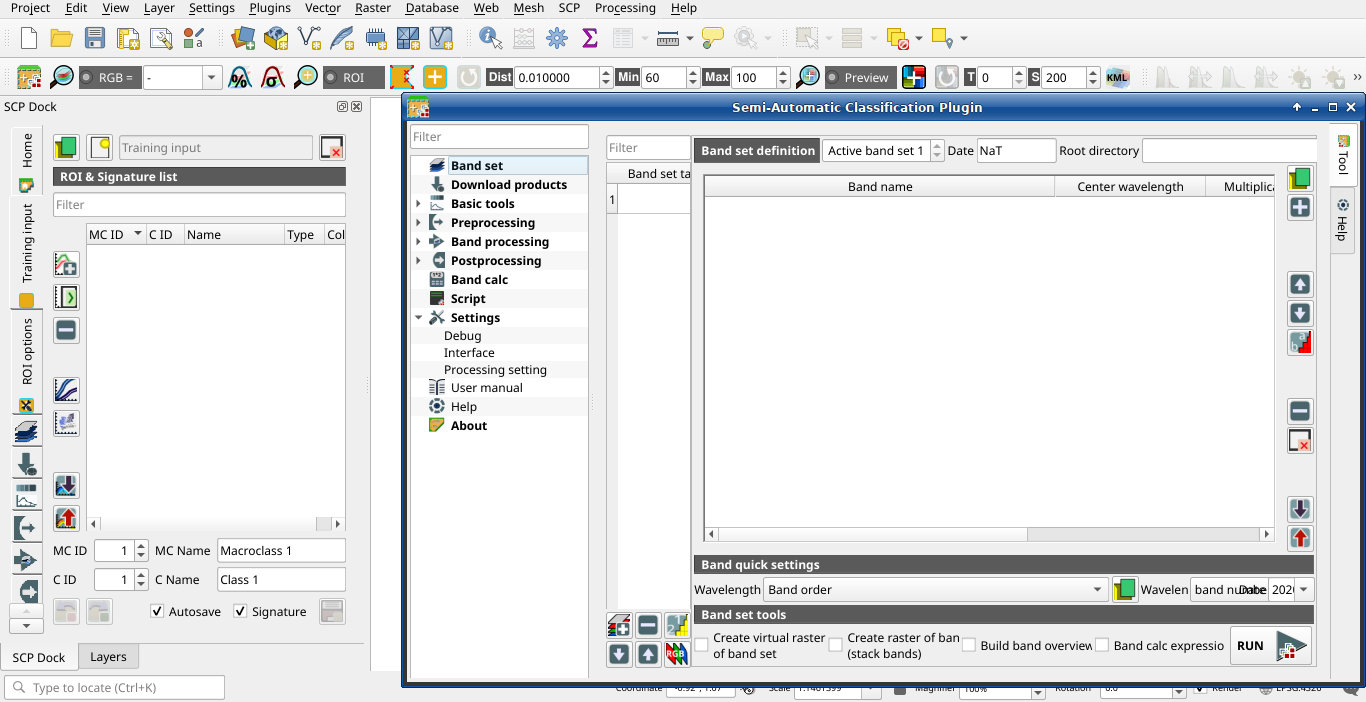
Now, the Semi-Automatic Classification Plugin is installed.
A Simplified interface is loaded after the first installation of the plugin. It is especially designed for new users in order to ease the classification process, from the definition of input images to executing the classification algorithm. Also, a SCP menu is available in the Menu Bar of QGIS. It is possible to move the dock according to your needs, as in the following image.
The configuration of available RAM is recommended in order to reduce
the processing time.
From the SCP menu select 
Settings .
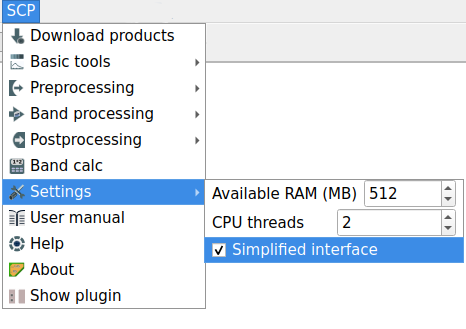
In the Settings, set the Available RAM (MB) to a value that
should be half of the system RAM.
For instance, if your system has 4GB of RAM, set the value to 2048MB.
The Complete interface can be loaded from the settings in the SCP menu, by deselecting Simplified interface and restarting QGIS.